Three ways to make a classroom interactive
Education is a stated application of the manufacturer's programme, and the catalogue supports schools at three budget points. The right one depends on what is already on the classroom wall.
Route 1 — Interactive electronic whiteboard + projector
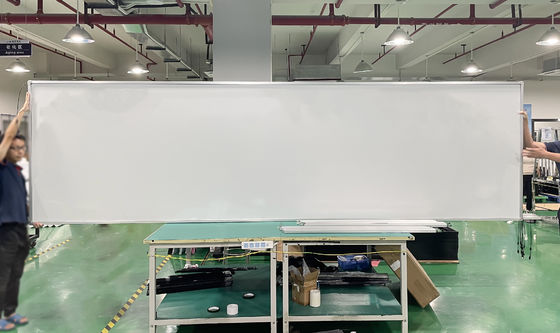
The whiteboard family (82–102 inches) is the wall-scale answer: finger writing, aluminium frames, floor-stand options for rooms that cannot take fixings. It pairs with the school's projector fleet and delivers the largest writing surface per unit of budget. The deployment checklist covers board size by room depth and mounting heights.
Route 2 — Interactive flat panel
Where projectors are being retired, the flat panel family (55–96 inches, 4K education models) gives instant-on brightness with no shadows and no lamp budget. Choose the panel size by the same room-depth rule as boards; a 65-inch panel in a deep classroom is a false economy.
Route 3 — Overlay on the existing display
Schools with serviceable televisions or monitors convert them with an infrared TV overlay. The catalogue's 43-inch frame even carries a DIY configuration listed for schools. This is the fleet-stretching route: convert the rooms that would otherwise wait another budget cycle.
What teachers actually use
Writing latency and surface feel decide adoption more than any specification sheet. Infrared surfaces respond to finger and ordinary stylus with no pairing, no charging, no pens to lose — which is why the board and overlay routes dominate real classrooms. Multi-touch matters for group work at the board: 20 points lets three pupils work simultaneously on a 98-inch surface without the driver merging their hands.
For a school programme, send the room list: room depth, existing display or projector model, and wall construction. The quotation comes back as a per-room specification — board, panel or overlay — rather than one product pushed at every room.