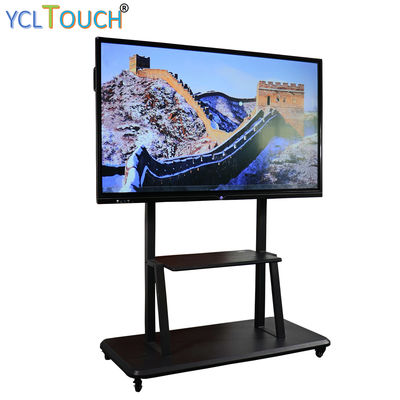
The meeting room display decision
A meeting room needs three things from its screen: instant start, annotation anyone can drive, and a picture the back of the table can read. The YCL Touch catalogue serves that brief primarily through the interactive flat panel family — 55 to 96 inches, with 4K models and an Android unit specified for video conferencing — and secondarily through overlays that convert the display a room already has.
Panel sizing by table
The governing measurement is the distance from screen to furthest seat. As a working rule drawn from the catalogue's size ladder: 55 inches serves huddle rooms to about 3 metres; 65 inches covers the standard 6–8 seat room; 75–86 inches is boardroom territory; 96 inches is for rooms that also present to standing groups. The size guide gives the full method, including why diagonal alone undersizes rooms with wide tables.
Panel, board, or overlay?
Choose the flat panel when the room is being fitted out or the display is due for replacement — one product, one power lead, no projector shadow when the presenter stands at the screen. Choose an electronic whiteboard when the writing surface must be as large as possible and a projector already exists. Choose an infrared overlay when the room's display is new and the budget is not — the 65-inch frame class converts it for a fraction of a panel swap. All three routes support the same meeting behaviours: present, annotate, save, share.
For a multi-room fit-out, send the room schedule — dimensions, seats, existing displays — and the quotation returns a per-room specification with the reasoning attached, so facilities can defend the mix.